SELAMAT DATANG KE

CQ ARTS  
DAPATKAN DIGITAL PLANNER TERBAIK DISINI

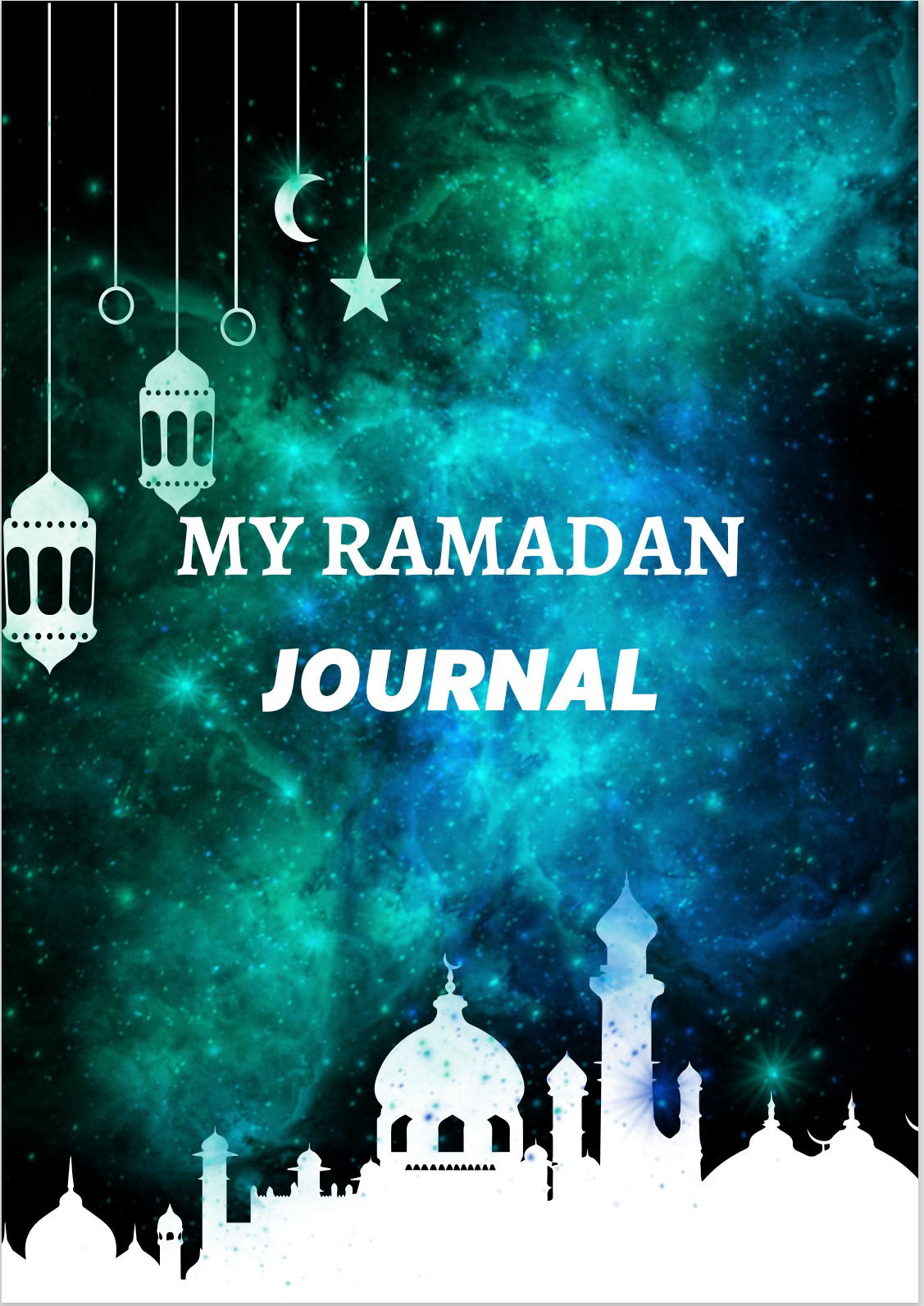
MY RAMADAN JOURNAL

Anda ingin bertemu dalam bulan Ramadan dengan lebih tersusun? Dapatkan  digital jurnal ini. Dengan adanya digital jurnal ini, anda akan dapat menyusun jadual anda pada bulan Ramadan ini dengan lebih baik, In shaa Allah. Kelebihan journal ini 

Mobirise Website Builder

Muka depan

Add new blocks

Mobirise offers several themes to work with. Each theme includes a set of various blocks: headers, content blocks, galleries and sliders, footers, etc. To add needed blocks to your page, click on the red plus button at the bottom right corner. You can select a needed block type. To add a block, click on it in the list or drag it to your page.
Create new pages

You can have multiple pages in your project. Find the menu icon at the top left corner. Move your cursor over it to open the main menu. Click on the Pages tab to manage your pages. Don't forget to set your page title and description. This info is used by browsers and search engines. The home page of your project cannot be removed.

Publish your project

Click on the Publish button at the top right corner and select a needed publishing option. Use the Mobirise publish option to publish your test site on our servers. You can publish your site locally if you don't want to publish it online yet.

© Copyright 2023 CQ Arts. All Rights Reserved.

Made with ‌

Website Design Program